Playing a campaign
The play button on a board’s quickbar opens the campaign window and runs the story from that board’s Start, following Jumps from board to board until a path reaches an End.
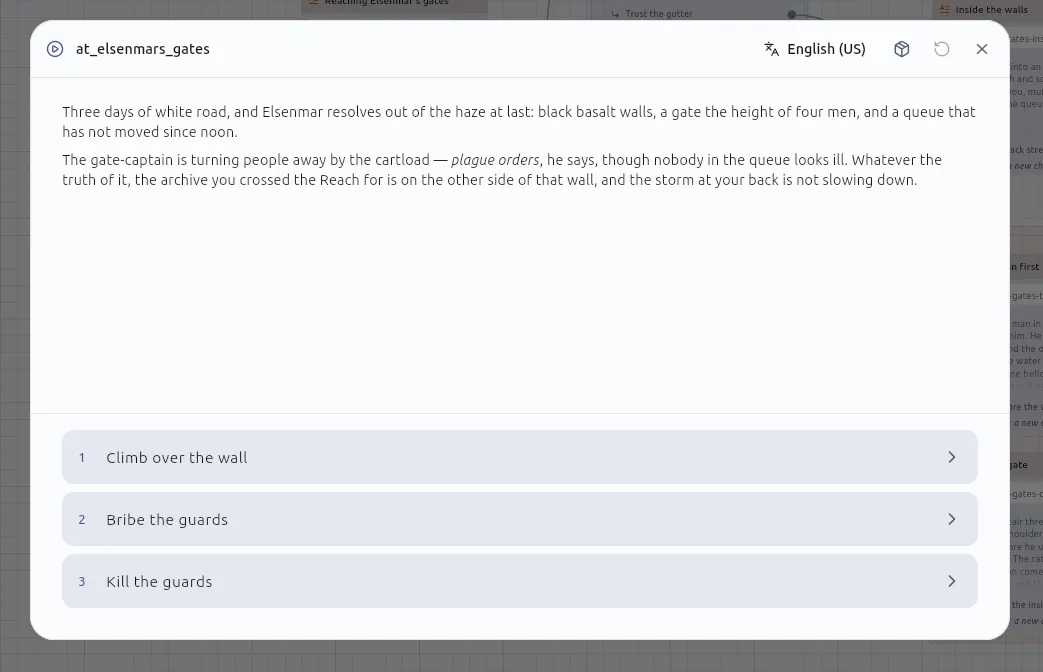
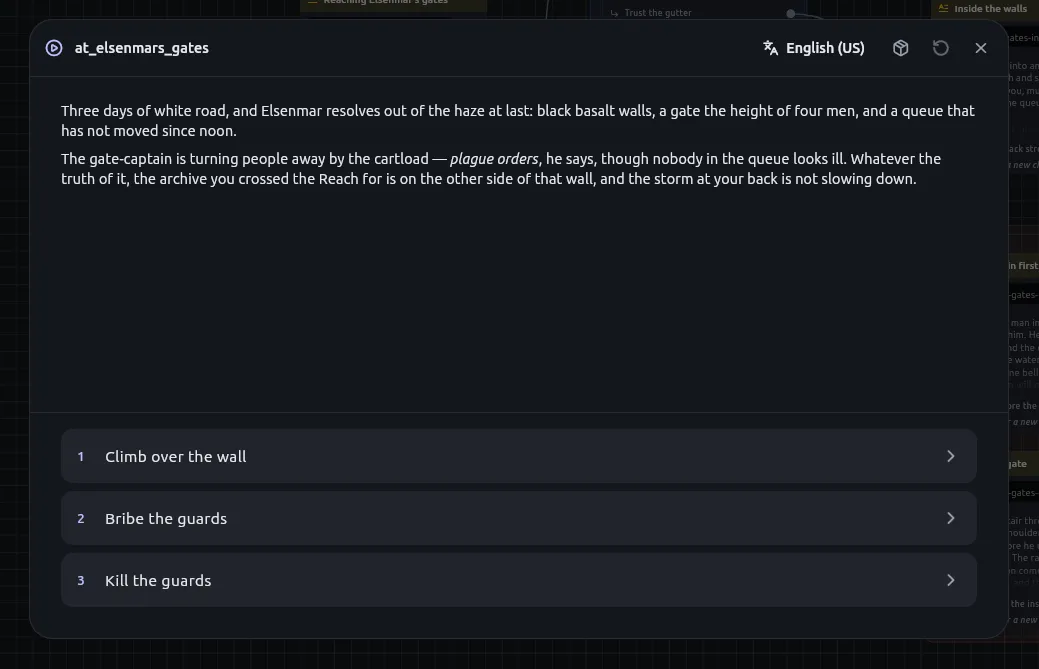
The story you preview is the story that ships. Play runs the same engine
an exported campaign runs — ripple_runtime, pure Dart, which has never heard
of the canvas — so there is one implementation rather than a preview and a
shipped copy that could quietly disagree.
Reading it
Section titled “Reading it”A passage is rendered as Markdown with its Python already run, and the choices leading out of it are the tiles beneath. The reader picks the language from the header and can change it mid-passage; a passage with nothing in the chosen language says so rather than quietly falling back. A Delay node holds the last passage on screen, greyed, with a thin bar while it waits.
An Input node is a form: a text field, a number field that will not go on holding letters, a switch for a truth, a line of comma-separated values for a list, and Enter in a field is Continue. A story can be paused, saved and picked back up at one, and picking it up asks again. The terminal player asks a line per field, and an unattended walk leaves every field blank.
Compile warnings — a roll that cannot vary, a macro missing one of its ends — land in Messages when you press play, not only when you export. They come from the same compiler.
The window grows to fit the screen it is on and shrinks to fit a small one, and a button in its header takes it to the app’s edges and back — Escape brings it back too. With a panel open, the panel takes a third of it. A mute button sits in the header as well, and is remembered; what the story plays under a passage is the soundscapes page.
Play from here
Section titled “Play from here”Right-click any node on a board and choose Play from here. The campaign begins where you are looking rather than at the Start, which is what makes trying a passage over and over cheap.
It starts with nothing made yet, and says so. What a run would have built on the way there depends on dice, on scripts and on choices nobody made, so inventing a plausible version of it would be worse than an empty one. The console in the campaign window is how you set up whatever the story should have had: it may do everything a Script node may.
Putting it down
Section titled “Putting it down”A playthrough survives closing the app. Pausing writes an automatic save
into the project’s .ripple/saves/, recording where you are and everything the
story has made — the entities, the console variables, what the FlipFlop,
Once and State machine nodes remember, and which soundscape was playing, so
a load hears the tavern before it sees the page. The bookmark in the campaign’s header
saves one under a name, as many as you like, and saving does not end the
playthrough.
Saved games are opened from the bookmark beside Play, or from the command palette — Open a saved game… — which lists them with the passage each is waiting at and how long ago it was written. Opening one throws away the campaign in progress, and the question says to save that first if you want it back.
A saved game is refused when the story has changed since. A save records a place in a board, and a board that has been rewritten no longer has that place — so rather than dropping you somewhere that no longer means what it meant, it is listed with the reason beside it and left alone. Pausing and resuming in the same sitting is deliberately different: that hands you back the board you just edited, which is what pausing is for.
Saves are left out of version control. A playthrough is a fact about your reading rather than about the story, and the automatic one is rewritten every time you pause.
The four panels
Section titled “The four panels”Opened from a narrow strip down the window’s right edge, each taking a third of the window when open:
- Entities — everything the story has made, grouped by component, with a bin on every row. See Components and entities.
- Variables — what every console variable holds right now, editable by hand. See Console variables.
- Console — the Python console, over the playthrough that is actually running. The same console the script editor has, with the same scrollback and history.
- Trace — what the story did, line by line, in its own words: Read The gate — chose “Bribe the guard”, Set gold to 2 (was 10), Rolled 2d6+3 → 11, Jumped to The yard, Ambience tavern where a passage brought a soundscape, and what a Script node printed. Each line wears its node’s icon and colour. The default reading is what a reader could have noticed; a toggle shows everything underneath — every turn, the values evaluated, the scheduler’s remarks — with a technical line behind each. Copy puts the plain lines on the clipboard.
Tap a trace line to find its node. The story pauses, the window closes, the board opens with the node selected and centred; Resume brings the story back. A line about something inside a macro takes you to the card that called it, since that is what is on the board.
Start over is always there — from the first passage to an ending, and so is Play again on an ending. It was once offered only after the cast or a variable had been edited by hand; a story you want to start clean is reason enough.
Where a story may begin
Section titled “Where a story may begin”A board has one Start, and only a Start begins a story. Project settings also names narration roots — the boards a reader is allowed to start from. Nothing in the app is gated on it; you can still play any board from any node. It is what an export tells whatever reads it.