Python scripting
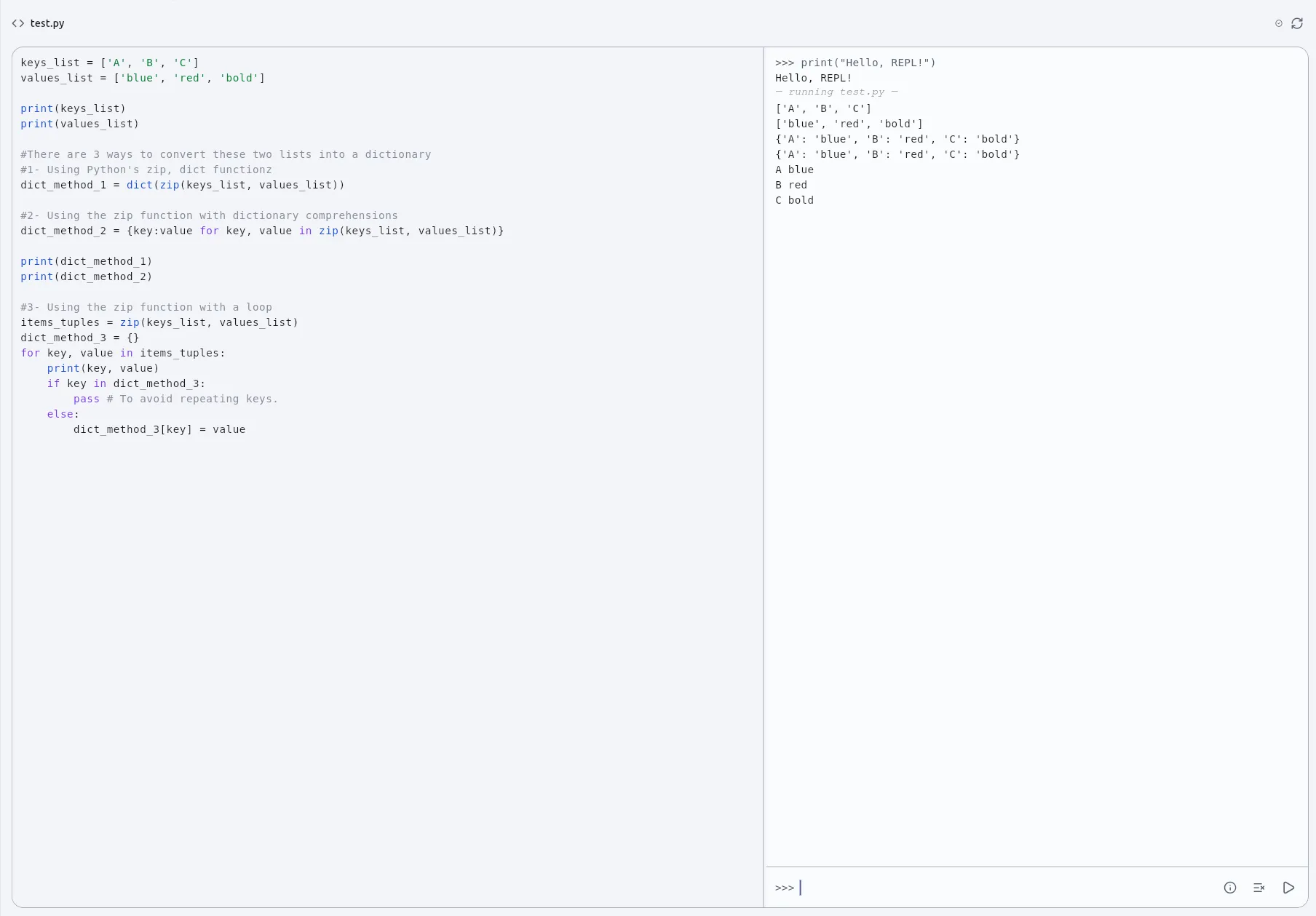
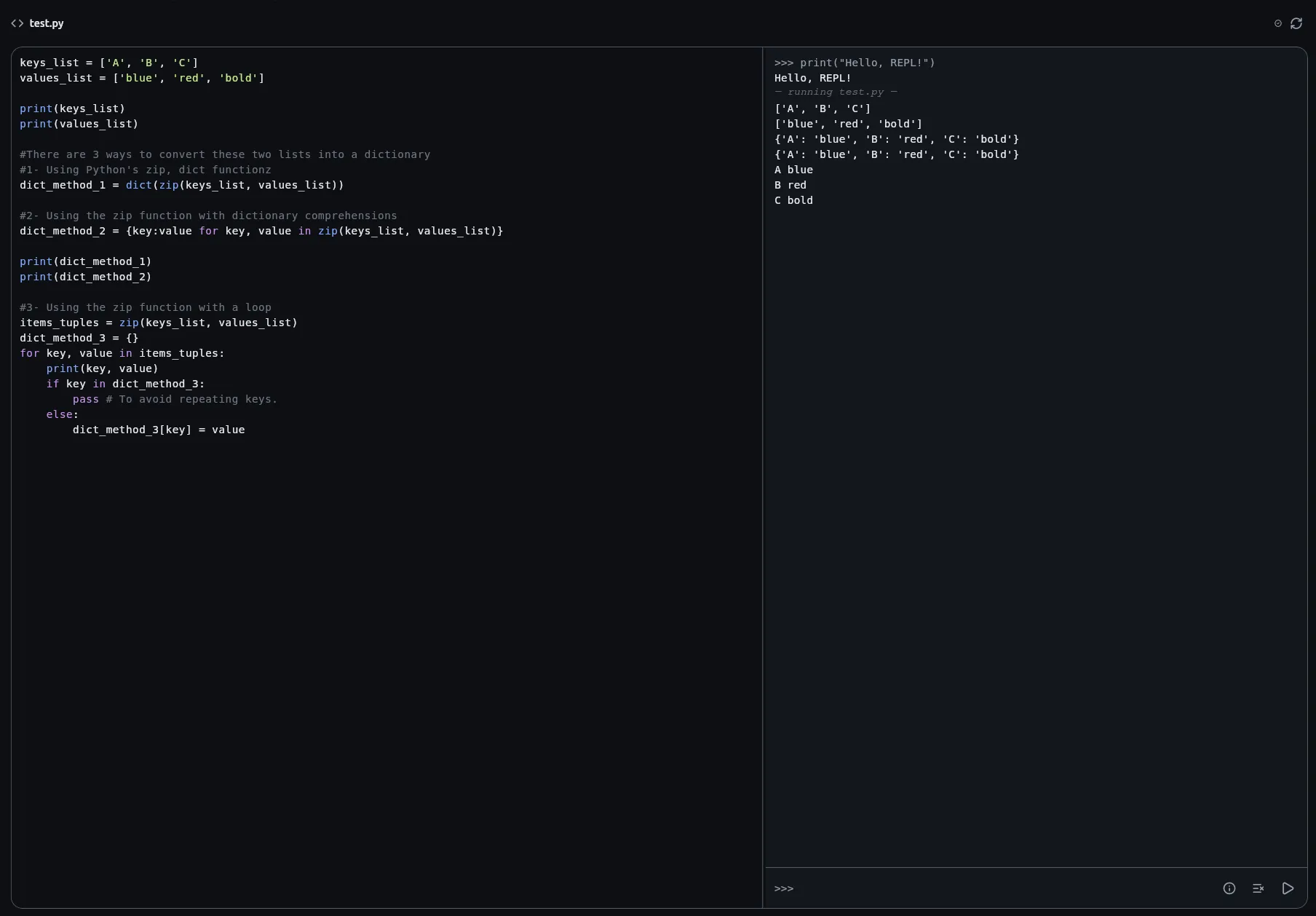
A story can hold Python. A Script node runs a file of it; a sentence in a passage can hold a snippet of it; and a console beside every script is a place to try a line. What runs it is a sandbox — an interpreter built for running somebody else’s code safely, with no filesystem, no network and a short standard library — and the app can tell you exactly what that sandbox allows on the day you ask it.
Where Python goes
Section titled “Where Python goes”A Script node references a .py file in the project, so one script can
serve many nodes. It declares its inputs and outputs as small JSON shapes —
{"hp": "number", "damage": "number"} — and grows a port per name. Values
cross as native Python types: total = hp - damage is arithmetic, not a
parse. Whatever the script assigns to an output name is published on that
port.
An Output node is the other half: the same idea, but it shows its inputs to the reader, as a slide with one way on. Wire a Script node into it and the answers appear in the story. (It was called Display before 1.3.2.) Its counterpart, the Input node, asks the reader for values and hands what was typed on as ports — so a script can take a name or a number the reader chose. Both are described by double-clicking the card: a name and a type per row, rather than the JSON a Script node still takes.
A passage has two places for it: an inline {{ … }} span and a fenced
```ripple block. Both are replaced by what they evaluate to when the
passage is presented, so a sentence can vary instead of forking into two
passages.
The goblin has {{ entity_get("Goblin-1")["HP"] }} hit points left.
```ripplenames = entity_names(of="Goblin")f"{len(names)} goblins are still standing."```
A passage only reads. Making, changing or deleting an entity, or writing a
console variable, is refused from inside prose — a state change should be
something you can point at on the canvas. The refusal renders in place as a
⚠ chip and the story carries on.
The console beside every .py file is a live session, one per project, so
x survives between lines. The prompt grows to three lines as you type;
Shift+Enter starts a new one and Enter runs what is there. The arrow keys walk
through what you have already run.
The same console is available during a playthrough, beside the Entities and Variables panels, over the story that is actually running. There it may do everything a Script node may, because you are standing in for the nodes the story did not run — which is exactly what Play from here needs, since a run begun part-way through a board starts with nothing made.
What the sandbox allows
Section titled “What the sandbox allows”It is Python, and it is not all of Python. There is no class, no import
of the outside world, no random — the Dice roller, Random number and
Weighted branch nodes are how a story rolls. Dicts, def, lambdas,
f-strings, comprehensions and a handful of modules are there. Snippets are
Python-shaped rather than Python-portable.
Two consequences of no class shape the whole API:
- A component or an entity crosses as a dict. It is
component_get("Goblin")["HP"], nevergoblin.hp. - What a read hands back is a copy.
e = entity_get("Mira"); e["HP"] -= 3runs and changes nothing.entity_setis how a script writes.
Host functions — everything the app binds — cannot be called inside map(),
filter() or sorted(key=…). Inside a def or a comprehension they work,
so build the pairs first:
pairs = [(entity_get(n)["HP"], n) for n in entity_names()]weakest = sorted(pairs)[0][1]The list above is not the authority; the app is. The interpreter’s limits
change between its releases, so rather than describe them the app probes
them: the sandbox report behind the i button on the console runs a
suite of tiny snippets — statements, modules, built-ins, call shapes — in the
real interpreter and reports what happened, row by row. It says what the app
binds, what import can reach, and which limits are enforced. Where this
page and that report disagree, the report is right. Copy it into a bug
report; an agent can ask for the same text through python_capabilities.
Limits
Section titled “Limits”A script that has not finished after five seconds is abandoned, and the
app will not restart it. After three distinct scripts have been abandoned in
one session no script starts at all until the app is relaunched — that is
what keeps an unattended walk of every branch from paying for the same
runaway on each. A script that hits this is a script with an infinite loop in
it. Runaway recursion raises RecursionError and is caught normally.
The interpreter is monty, reached
through dart_monty;
the open-source page says whose they are.
The functions
Section titled “The functions”Eighteen names, bound on every surface: twelve for components and entities,
five for console variables, and play_sound. Each is listed with what it
answers and what it refuses in the Python reference.