Reading a story back
A story with a few hundred passages across a dozen boards cannot be read by looking at it. Three views answer the questions that come up instead: how do the chapters connect, how can a reader get from here to there, and how could a reader have arrived here at all.
Script navigation
Section titled “Script navigation”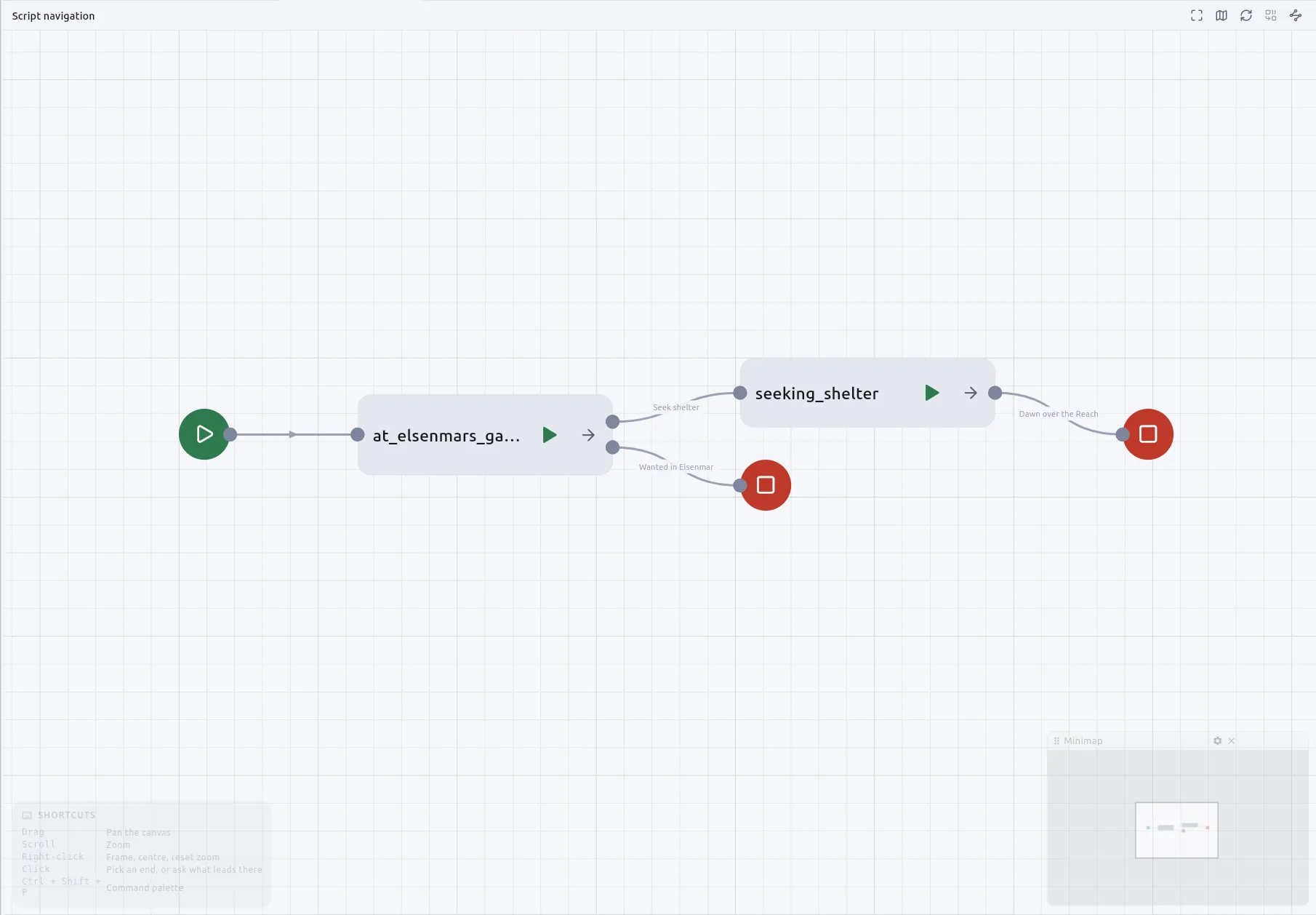
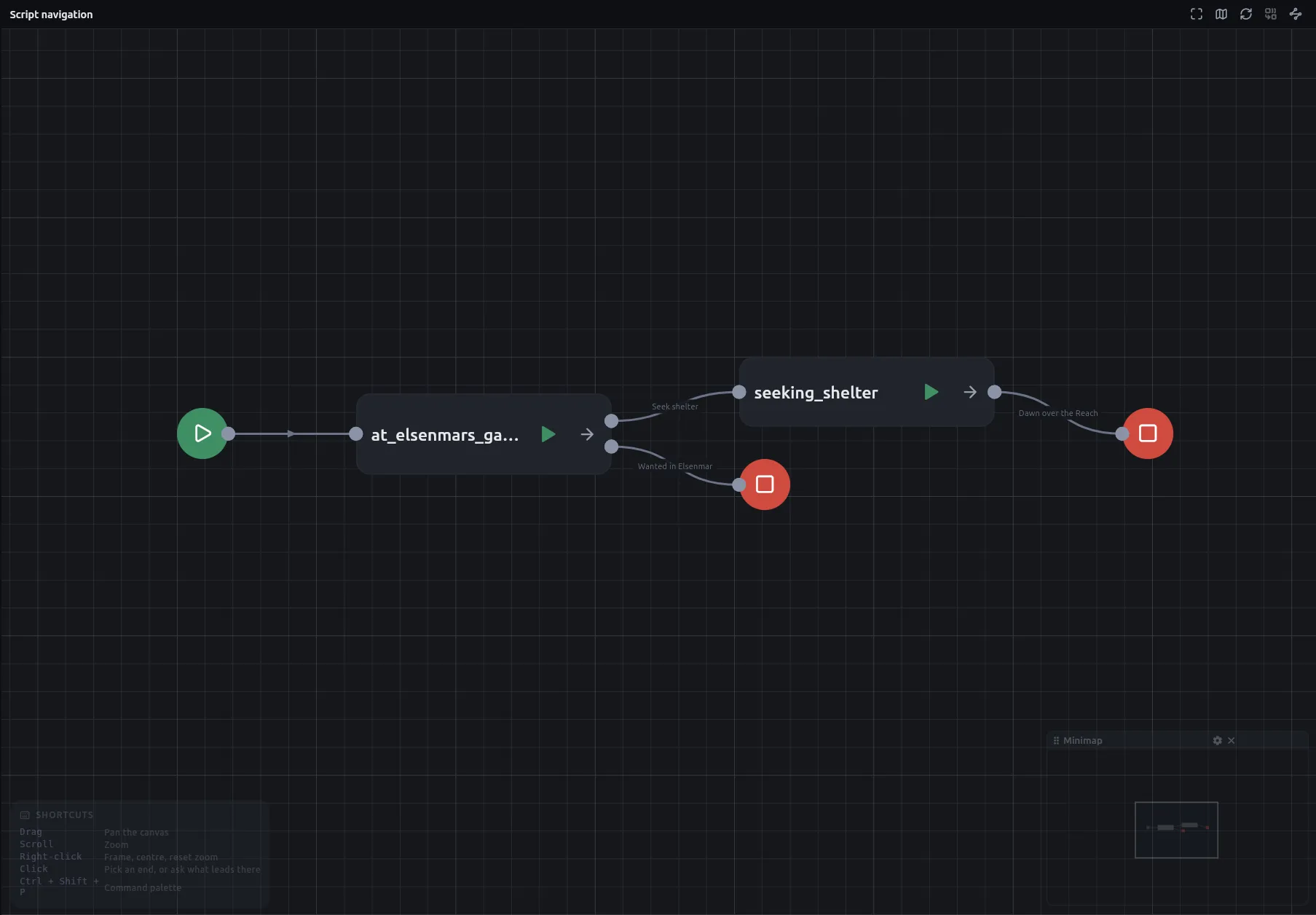
Script navigation — the first button in the left panel’s footer — draws how
a project’s boards hand the story to each other: one card per board, one
output per way out of it, every arrow labelled with the node it leaves by —
and, for a Jump into the middle of a chapter, where it lands: Down → The cellar, so it no longer draws exactly like a jump to the chapter’s beginning
— and markers where a thread begins and ends. Nothing on it can be moved or
rewired; the arrangement is worked out for you, and the same project lays out
identically every time you open it.
Where a board begins is the same question the runner asks — which node is the Start? — so what the map draws is what the story does.
Tracing a thread
Section titled “Tracing a thread”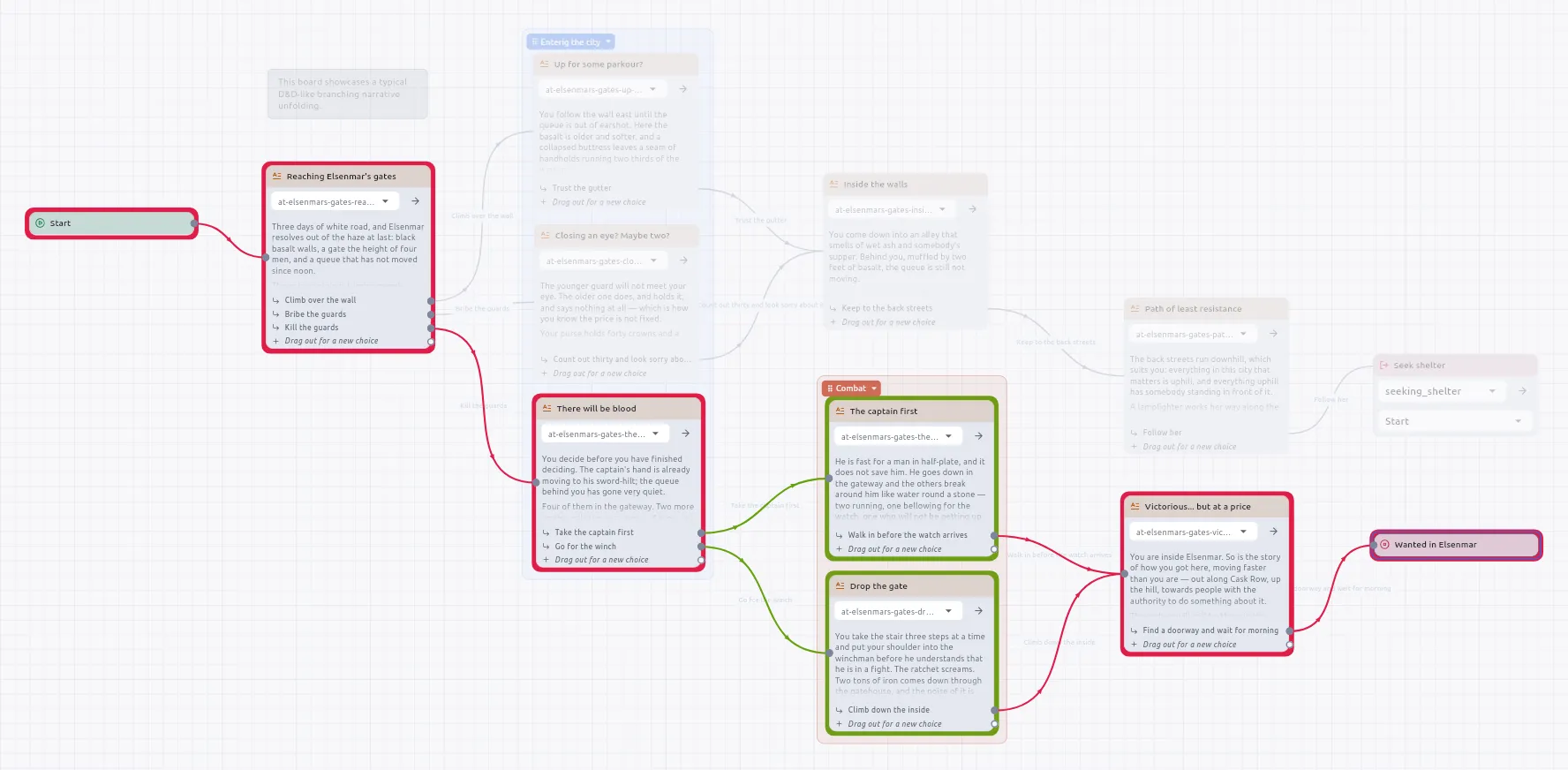
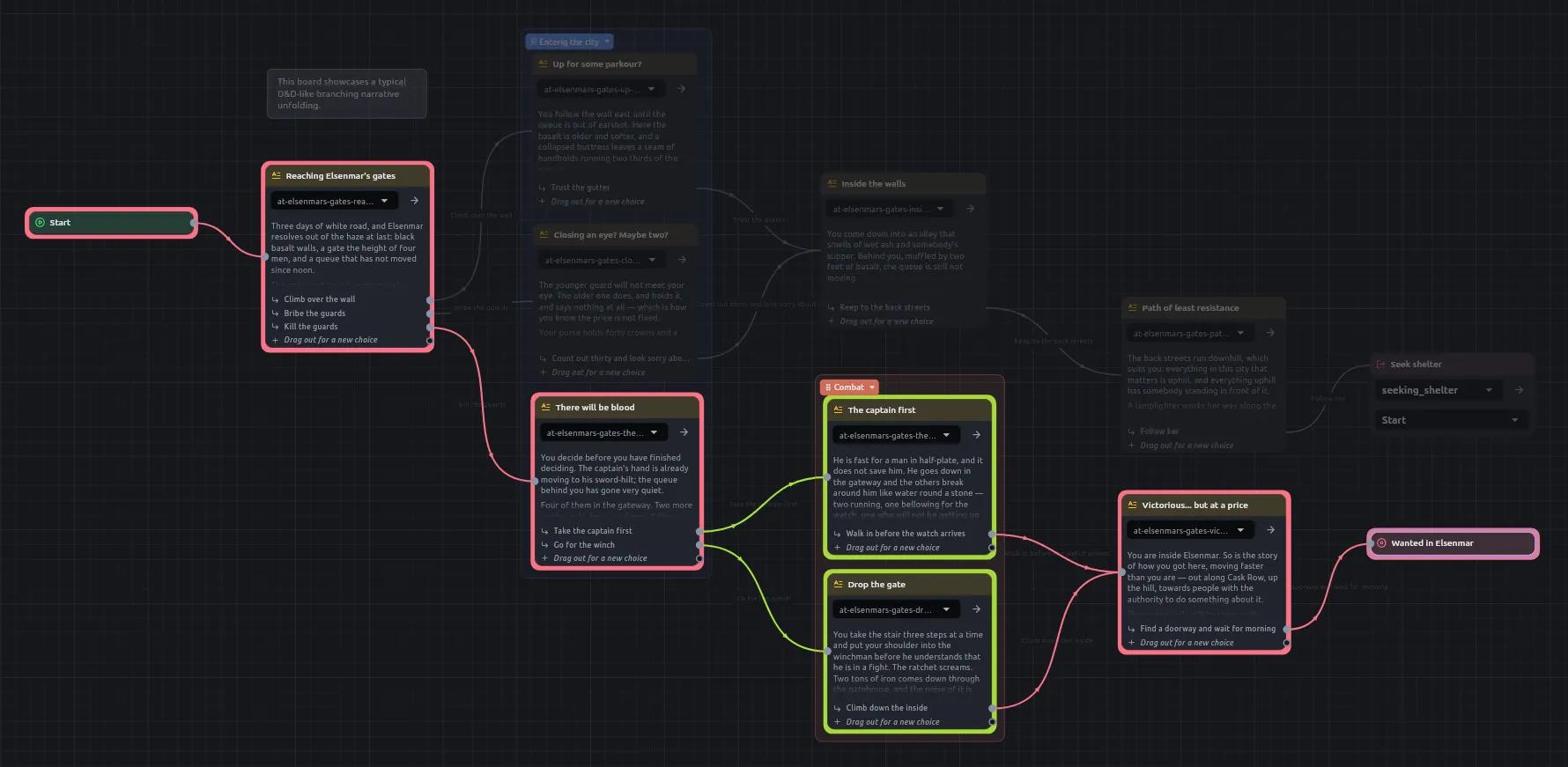
On a board, pick two passages and every route between them lights up in colour while the rest of the board goes under a scrim, a hue per linear run, so where the routes part is the thing you see. On the boards overview the same gesture traces between two chapters.
What leads here asks the one-ended question on a single passage: every route that arrives at it, from wherever the story begins.
Confirming a trace finishes it: the board keeps its routes with only the cross beside them, the next click is an ordinary click, and two boards can each show a trace at once. Editing the board drops it.
The merged view
Section titled “The merged view”When a route arrives through a Jump the board cannot draw it, so the answer opens a merged view: every board on the route on one canvas, with the bookkeeping between two passages traversed rather than drawn. It is read-only, like script navigation; the boards themselves are where things change.
A trace on a board and a merged view across boards do not mix: opening a merged view takes every board’s trace away, and while one is open a board’s two trace buttons wait, and say why, until it is closed.
What an agent gets
Section titled “What an agent gets”The same three questions have MCP tools — trace_between, trace_into and
board_links — so an assistant can answer is this ending reachable without
sitting through the story. See Working with an AI
assistant.