Boards, nodes and macros
A project holds a story in pieces, and the pieces have a deliberate size. A board is one thread of story: a *.graph.json file drawn as a canvas of cards and the wires between them. A project has as many boards as it wants, one per chapter, one per conversation or one per encounter, because a board is meant to be read whole and a story is not. A Jump hands the story from one board to the next. A macro is the second kind of piece, a board that other boards call rather than jump to. This page explains why those three exist, and why the rules around them are the way they are.
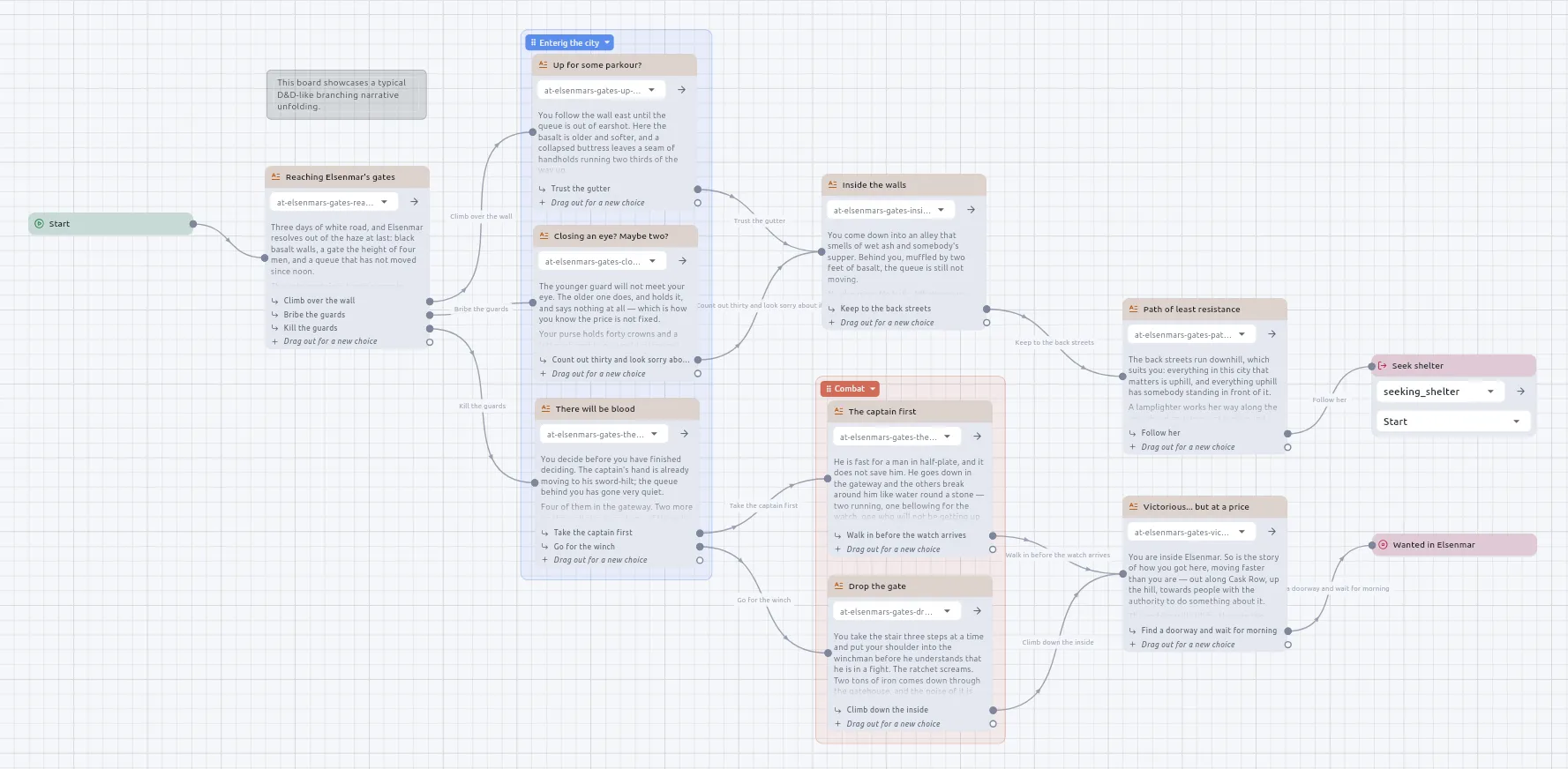
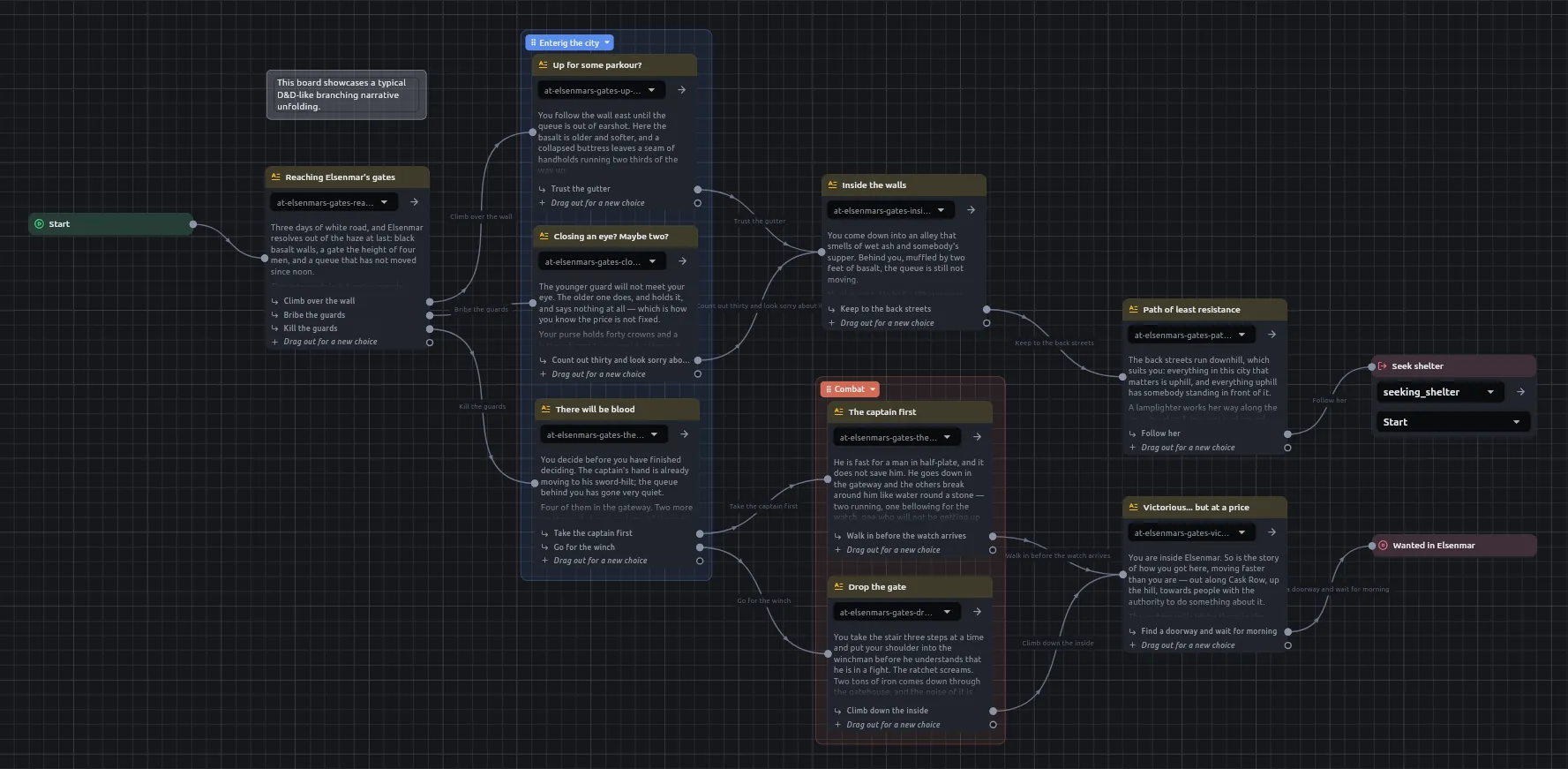
Why a board has one Start
Section titled “Why a board has one Start”Every board begins with a Start node, and it has exactly one. The Create menu will not offer a second, and a board that somehow has two is refused at Play with both named.
Where a board begins does not depend on where its cards sit. Script navigation and the merged trace ask the same question the runner does, which node is the Start?, so a route drawn between two passages is the route the story takes.
Why a choice falls back to the story’s language
Section titled “Why a choice falls back to the story’s language”A Narration node holds a passage and grows one output port per choice. Wire the last one and a new spare appears beneath it.
A choice has two things you can give it. Its name is the label the card shows, so a branch can be found on a wide board. Its words are what the reader is offered, in every language the story is being written in. A wire can carry a caption of its own as well, but that is an annotation for you and no reader sees it.
When a choice has nothing in the reader’s language, it falls back to the language the story was written in. An untranslated passage is prose somebody can read past, so it can wait for its translation. An untranslated choice is a button they cannot press, so it cannot. Passages and translations takes the idea further.
A choice can also run out, or be offered only while a condition holds. Both ride on the same choice rather than on extra cards, so “three times, and only while you carry the lantern” is one choice with both. The count is kept for the whole campaign, and a macro counts per call. The steps are in How to limit a choice.
A Narration node can also be given named, typed inputs, declared from its Reads row, which its passage reads by name. The names belong to the card and not to the passage file, so one passage can be a template read by two cards.
Why a Jump stores an id
Section titled “Why a Jump stores an id”Boards are separate files, so a Jump has to point at one. It stores the target board’s catalog id rather than its path, so renaming a board or moving it between folders never breaks a link. The arrow on the card opens the board it points at.
A story made of many boards needs a map. How the boards hand the story to each other is drawn for you by script navigation, from the left panel’s footer. Reading a large story back covers it.
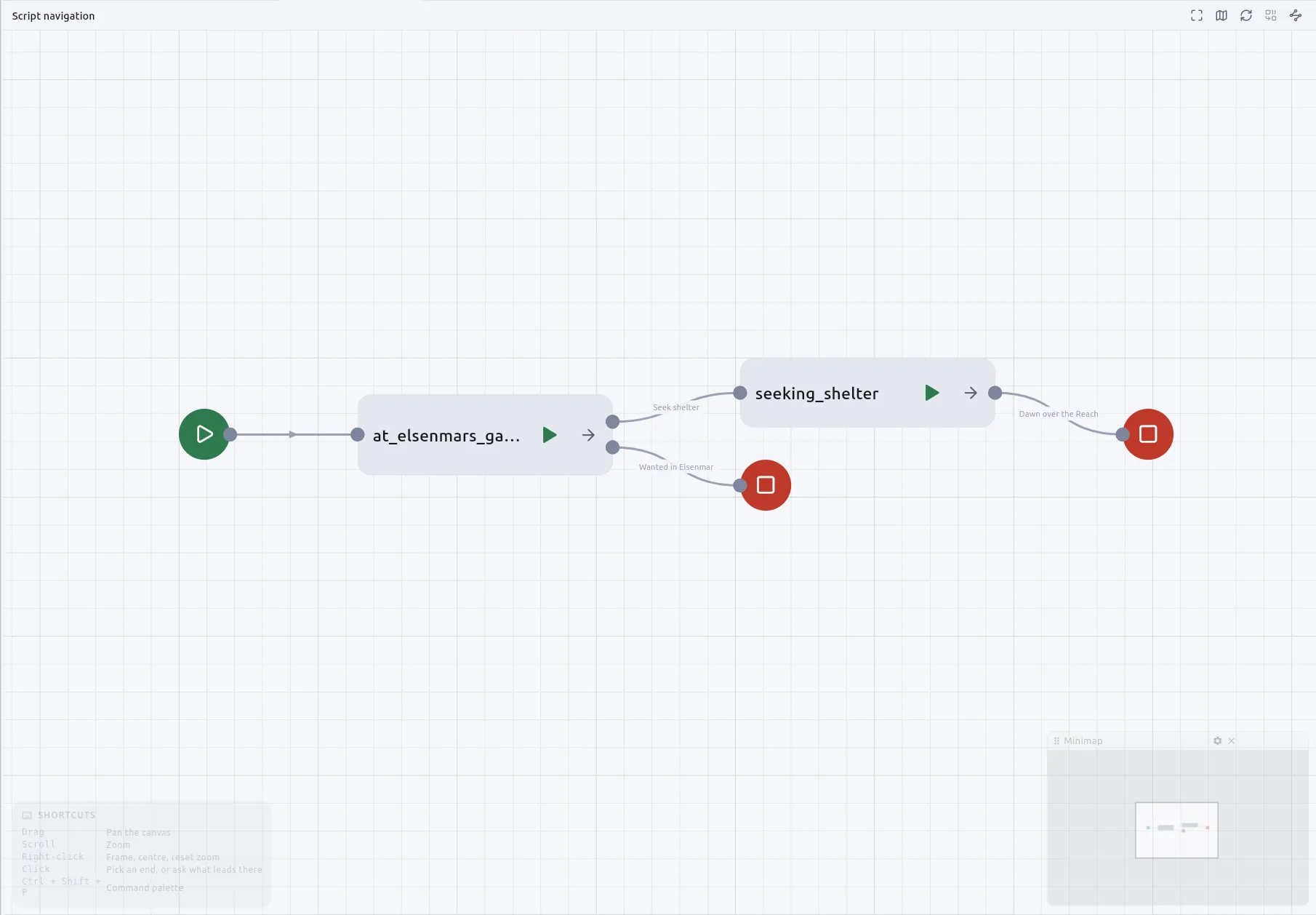
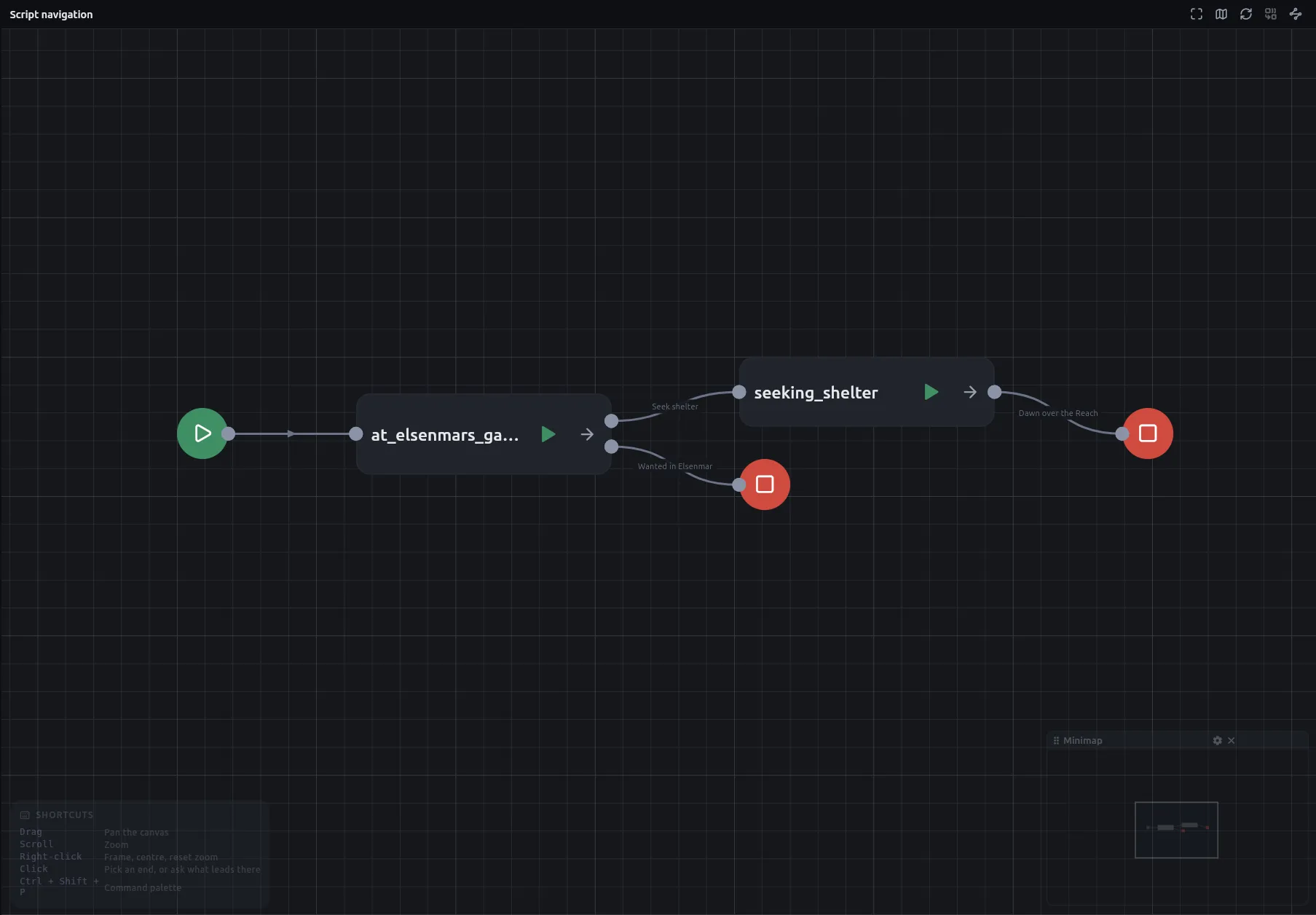
Cycles are the point, and nothing refuses one. A hub that the story keeps returning to, or a conversation that loops until the reader leaves it, is a wire that goes back on itself. Control flow and data flow are the subject of How a story runs.
Why the canvas works the way it does
Section titled “Why the canvas works the way it does”Every card is made one way: right-click an empty part of the canvas and pick it from the Create menu. Drop a wire on empty canvas instead and the same menu opens there, already wired to whatever you pick.
Every picker of something you made, such as a Jump’s board, a Component’s component or a Narration node’s passage, is searchable and alphabetical. The exception is a Jump’s node picker, which keeps a board’s reading order because that order means something.
Every card explains itself. About this node on the right-click menu shows what the card is for, what each control does and what each port takes or answers, rendered as Markdown. The nodes reference is written from the same text, so the card and the page cannot disagree.
Cards can also carry metadata of your own, a list of names, types and values, added with Edit metadata… on the right-click menu. Nothing on the board reads it: it is yours, for a status, a reviewer’s note or a mark for a tool of your own. It travels with the node into a compiled campaign and to an agent, and a copied node arrives with its notes.
Cards stay at the size they were drawn at whatever your desktop’s text size says, because a card’s size is part of the board you share. Zoom is how a board gets bigger, while the rest of the app grows with the setting, up to double.
The node set
Section titled “The node set”The Create menu groups nodes as Flow, Story, Math, Logic, Lists, Maps, Entities, Value, Chance and the two ends of a macro. The ones a story meets first are Narration for a passage, Jump for another board, End for where a path stops, If and Switch for branching, Dice roller for chance, Component for a character or an item, and Script for Python. Nodes describes each one, and Node families, slots and state covers the types a slot offers, defaults, and how lists and maps treat a bad request.
Why macros are copied
Section titled “Why macros are copied”A macro is a stretch of story you write once and call from anywhere: a shop, a rest, a skill check with its own three passages. It is a file of its own, *.macro.graph.json, on the same canvas as a board. It is a small board with a signature: a Macro In that says what it takes and a Macro Out that says what it answers, each with exactly one. How to reuse a stretch of story with a macro has the steps.
When the campaign is compiled, a macro is copied into whatever calls it. Calling one twice makes two independent copies. A Once gate inside a shop therefore fires once per shop rather than once for the whole story, and a choice’s limited-use count in a corridor called from two places has a separate budget for each. A macro cannot call itself.
A macro cannot be jumped to and a board cannot be called: a Jump lists boards and a Macro card lists macros. A story can be paused inside a macro and picked up where it left off, and a line in the play window’s trace about something inside a macro takes you to the card that called it. A route traced across boards goes inside the macros it calls, so a shop or a skill check reused in several places appears on the route at each of them.
Related
Section titled “Related”- How to build a board, which applies the canvas habits described here.
- How to reuse a stretch of story with a macro, for making and calling one.
- Nodes and Node families, slots and state, for every card and its ports.
- Board and navigation rules and Settings, accessibility and updates controls, for the menus and options stated without the reasoning.