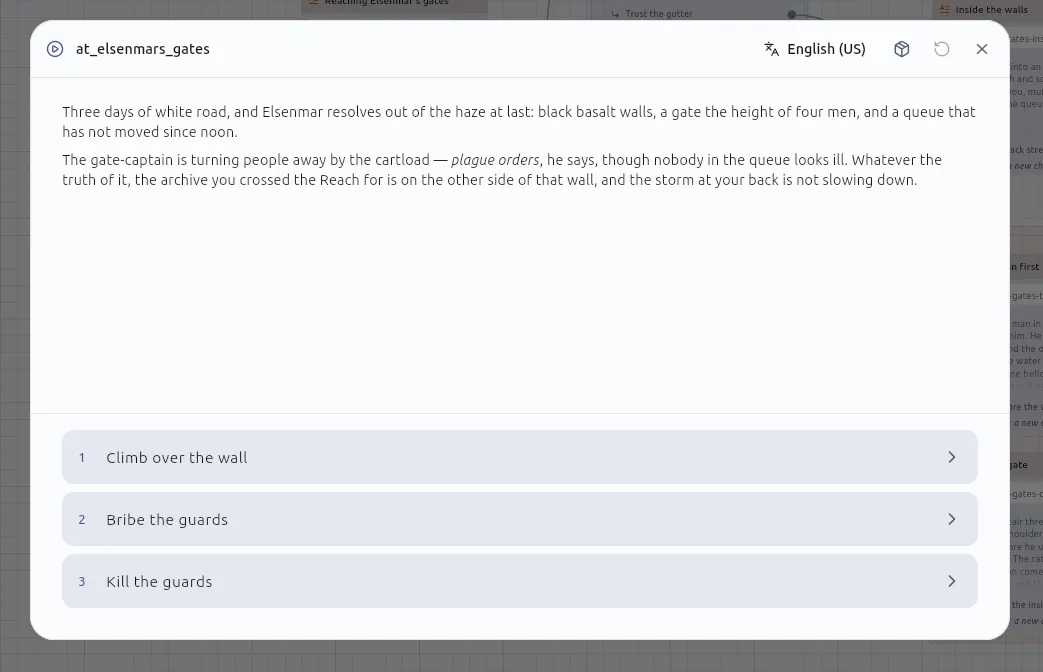
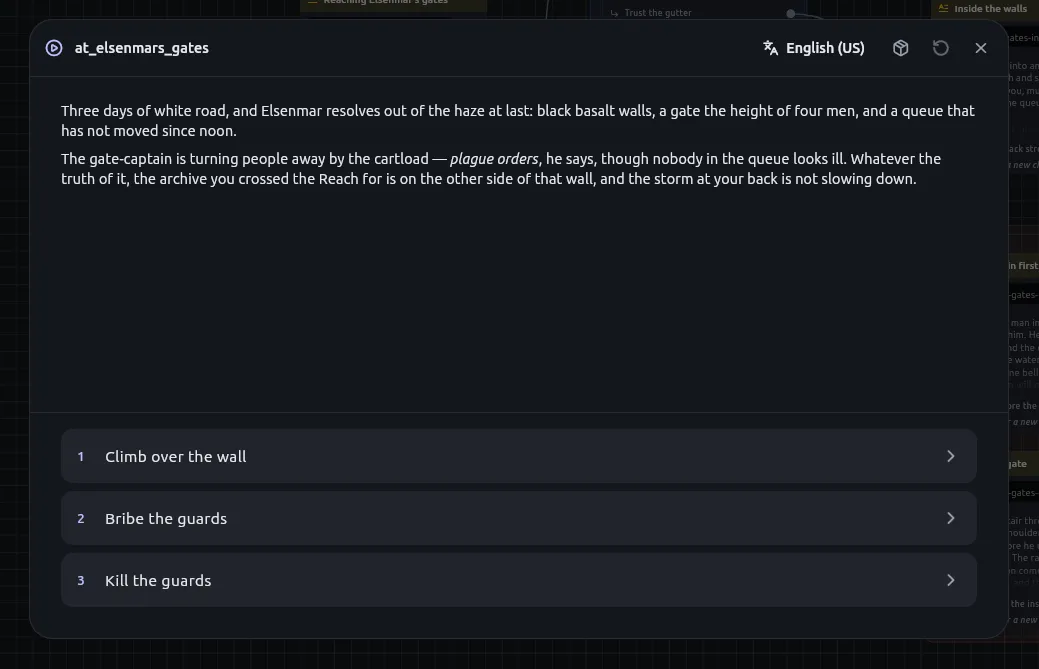
The Play button at the bottom right of a board opens the campaign window
and runs the story from that board’s Start, following Jumps from board to board
until a path reaches an End.
Property
Value
Engine
The native engine an exported campaign runs. Play and an export share one implementation.
What is compiled
The whole project, not the open board.
Before compiling
Play re-indexes what passages link to and where boards jump, the same index an export reads. A picture added to a passage since the project was opened is in the playthrough without exporting.
Compile warnings
Listed in Messages when Play is pressed, from the same compiler as an export. Examples: a roll that cannot vary, a macro missing one of its ends.
Board checks
Play checks every board with the engine’s checks. A finding names the cards it concerns. W.GE.06 can be acknowledged per card with I meant that. See Diagnostics.
Python off
If the project has Python turned off (project settings, Capabilities), every Script node and every passage with Python in it is marked as an error and listed in Messages. The campaign does not play until none remain.
The window grows to fit the screen it is on and shrinks to fit a small one.
Full-size button (header)
Takes the window to the app’s edges and back. Escape also brings it back.
Language (header)
The reader picks the language and can change it mid-passage. A passage with nothing in the chosen language says so; it does not fall back.
Mute (header)
Remembered between sessions. It belongs to the campaign: previewing a soundscape in its own tab is never silenced by it. A soundscape’s volume is the file’s and every clip’s is relative to it; there is no second master.
Bookmark (header, beside Play)
Saves the playthrough under a name. Any number may be saved. Saving does not end the playthrough. See Saved games.
Start over
Always available, from the first passage to an ending. Play again is also offered on an ending. While a story runs, the header’s Play control reads Start over.
Panel strip
A narrow strip down the right edge opens the four panels. An open panel takes a third of the window.
A story can be paused, saved and resumed at an Input node; resuming asks again.
The terminal player asks one line per field, and an unattended walk leaves every
field blank.
Right-click any node on a board and choose Play from here. The campaign
begins at that node instead of the Start.
It starts with nothing made yet, and says so. The console in the campaign window
sets up whatever the story should have had; it may do everything a Script node
may. See How a story runs for why nothing is
invented.
Everything the story has made, grouped under the component each came from.
A count on each group heading. A search line finds an entity by name, or a component’s name to find everything made from it. Every row has a bin; nothing is asked first, the playthrough is ephemeral and the component file is untouched.
Written in the story’s own words, for example ReadThe gatechose “Bribe the guard”, Setgoldto 2 (was 10), Rolled2d6+3 → 11, Jumped toThe yard, Ambiencetavern where a passage brought a soundscape, and what a Script node printed.
Line decoration
Each line wears its node’s icon and colour.
Default reading
What a reader could have noticed.
Toggle
Shows everything underneath: every turn, the values evaluated, the scheduler’s remarks, with a technical line behind each.
Copy
Puts the plain lines on the clipboard.
Tapping a line
Pauses the story, closes the window, opens the board with the node selected and centred. Resume brings the story back.
Line inside a macro
Takes you to the card that called the macro, since that is what is on the board.
The window has a Host callbacks side panel. It lists every fire: the name,
the event, whichever payload fields are set, and what became of the lookup.
The editor publishes the names but has no game to react to them, so normally
nothing is registered and every fire shows as a name a game would have looked up.
A name with nothing registered is not an error; the story plays exactly as it
would have. See Host callbacks.
What each variable held, not its type. Any of the 24 types, json included.
Node memory
What the FlipFlop, Once and State machine nodes remember.
Soundscape
Which one was playing, so a load hears it before it sees the page.
Times counts
A choice’s count is saved: loading finds the path as spent as it was, and starting over reopens it. A macro counts per call, so a corridor called from two places has a budget for each.
The bookmark beside Play, or the command palette command Open a saved game….
List
Each save with the passage it is waiting at and how long ago it was written. A save made while waiting at an Input node shows Asks for and the field names instead. A save whose file was changed outside the app is marked edited by hand.
Effect
Opening one discards the campaign in progress. The confirmation, Open this saved game?, says to save that first to keep it.
Changed story
A save is refused when the story has changed since: the save records a place in a board that no longer exists. The save is listed with the reason beside it and left alone.
Deleted board
A save naming a board the project no longer has is reported in Messages: there is nowhere to pick it up.
Pause and resume in one sitting
Not refused. Resume hands back the board just edited.
Newer save in an older build
Refused. A build older than the save does not reset a json variable to its default. Games saved before the upgrade have to be saved again.