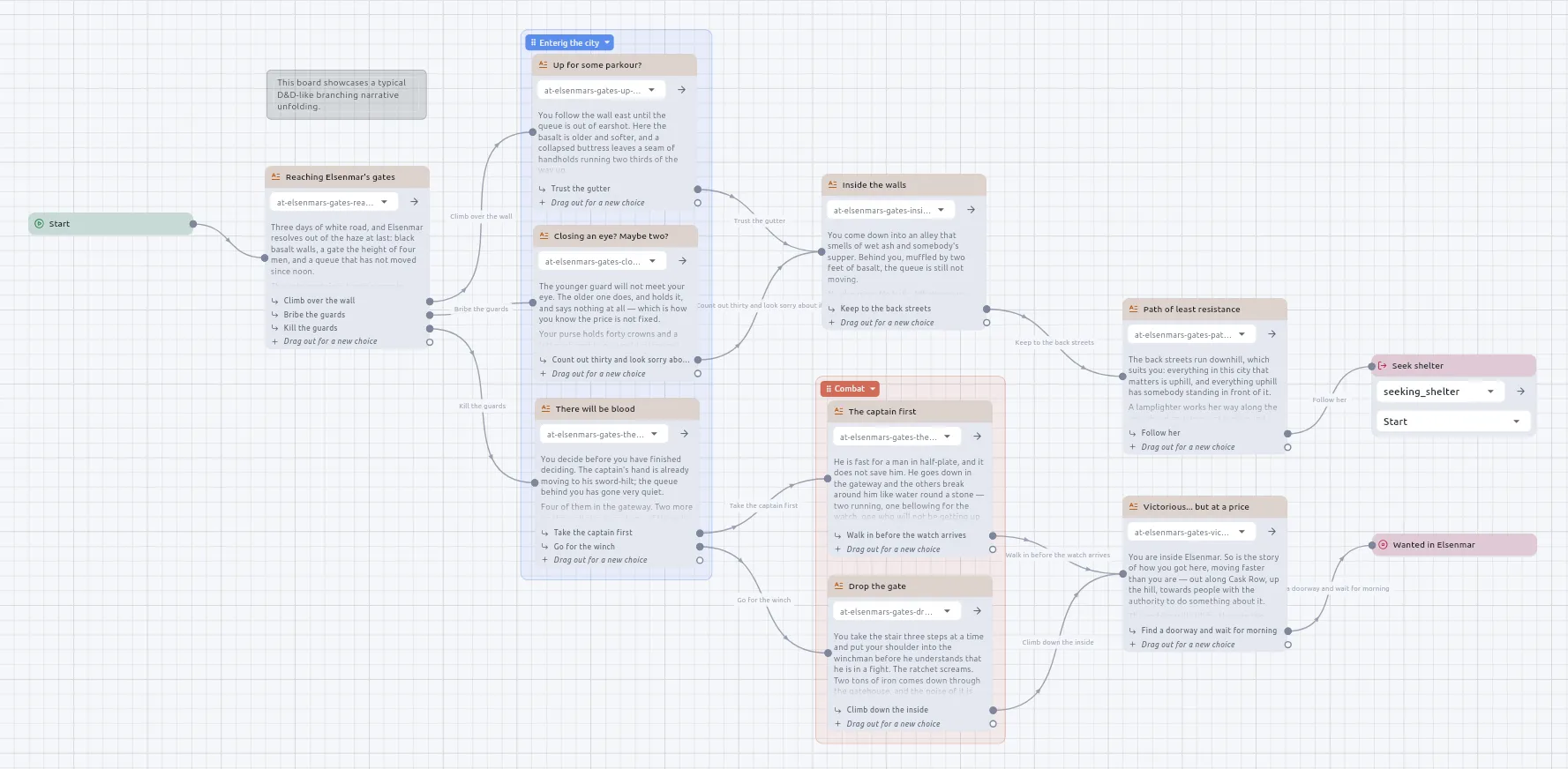
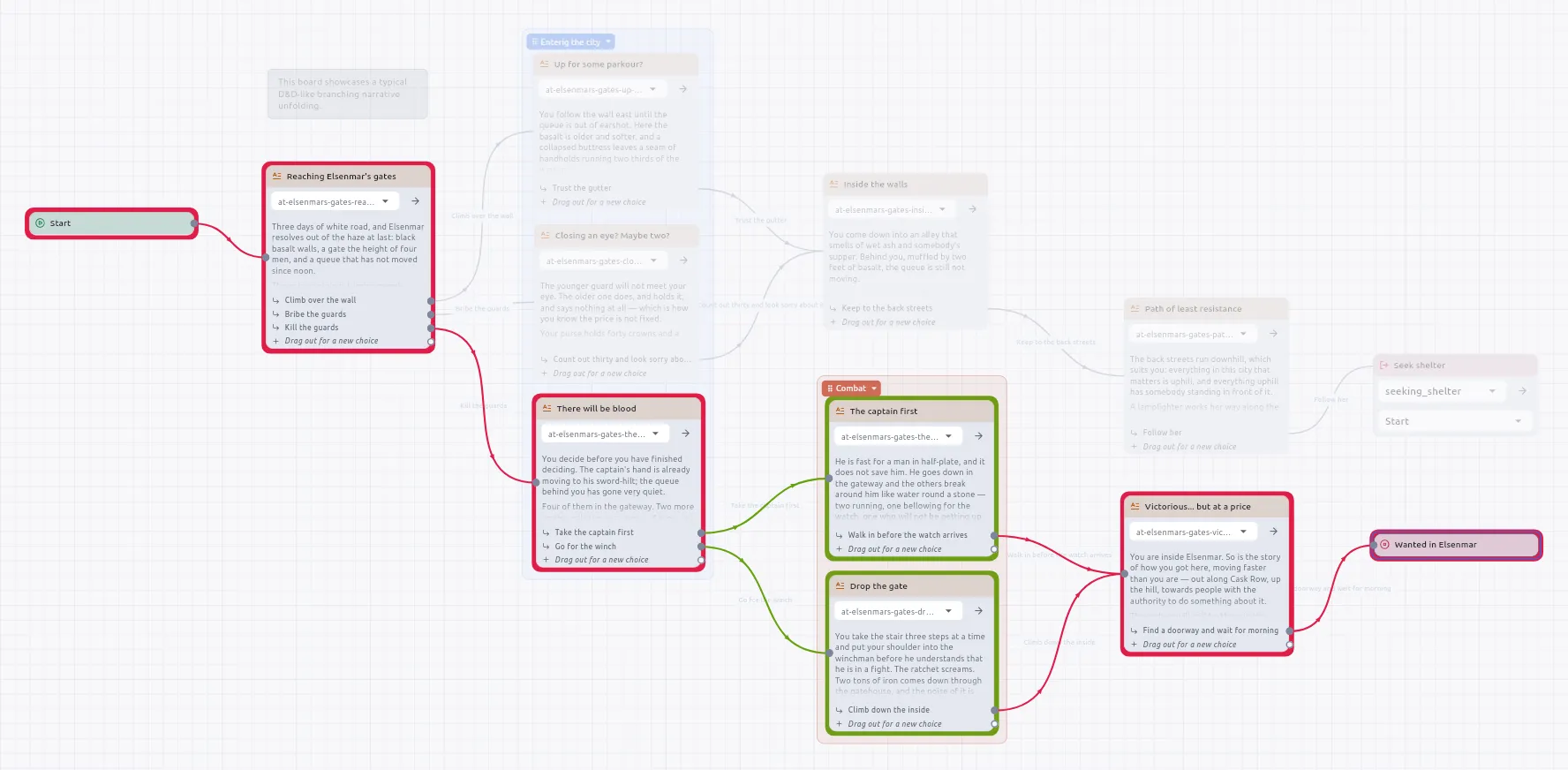
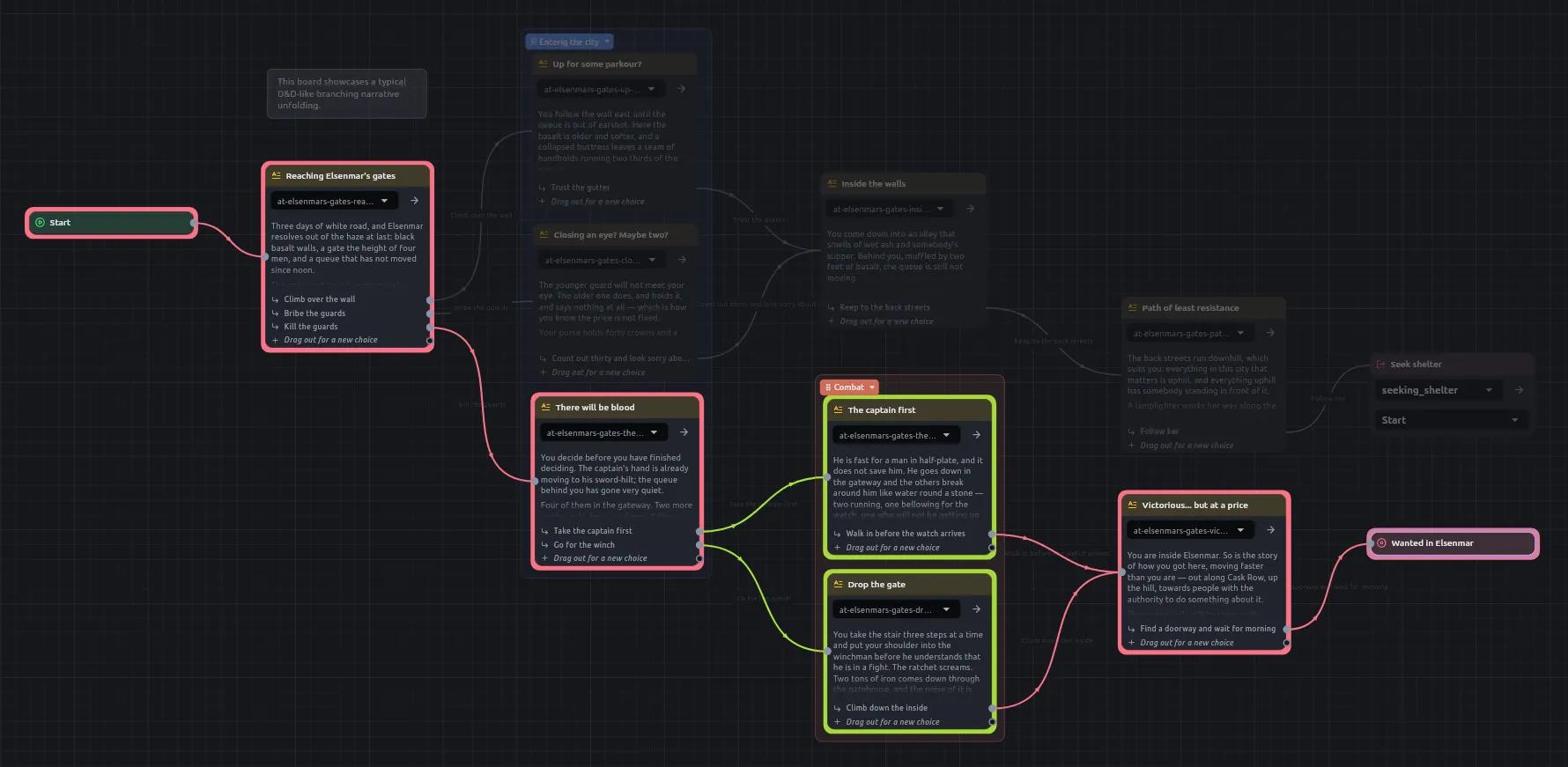
The Create menu. Every card is made from it: a passage, a Jump, a Script, a loop, a component.
Drop a wire on empty canvas
The same menu opens there; the card you pick is wired to the port the wire came from.
Right-click a node, About this node
What the card is for, what each control does, what each port takes or answers, and a link to the docs page, rendered as Markdown. The nodes reference is written from the same text.
Right-click a node, Edit metadata…
A list of names, types and values. A small tag shows on the card’s header while there is any.
The board’s toolbar
Has no add a passage button. Cards are made only from the Create menu or by dropping a wire on empty canvas.
It travels with the node into a compiled campaign and to an agent.
A copied node arrives with its notes.
Entry types are int, float, bool and string, a list of each, and json for anything nested. This is shorter than a port’s list of types: a node stores the value and not its type, so the editor infers the type from the value’s shape. asset, componentRef, entity and markdown are not offered, because each is a plain string once written.
A build of the editor older than the feature, re-saving such a board, keeps every wire and every field and drops the notes.
Every picker of something you made opens with a search field focused. Typing narrows by name or by path, which sits under each name. Entries are alphabetical.
Picker
Chooses
Jump
A board.
Component
A component.
Script
A .py file.
Narration
A passage or a soundscape.
State machine
A diagram.
cvar node
A variable.
The exception is a Jump’s node picker, which keeps a board’s reading order.
Cards stay at the size they were drawn at whatever the desktop’s text size is. Zoom changes a board’s size. The rest of the app grows with the setting, up to double.
The label the card shows, so a branch can be found on a wide board.
Words
What the reader is offered, in every language the story is written in. A choice with nothing in the reader’s language falls back to the language the story was written in.
Times
Blank: the choice can be taken as often as the reader likes. A number: the ceiling.
Wire caption
An annotation for the author. No reader sees it.
Condition input
A small input on every wired choice’s row. See below.
The Reads row sits at the bottom of the card, beside the soundscape the card brings. It shows how many names the passage is handed and opens the dialog that declares them.
Rule
Behaviour
Declaration
Named, typed inputs, each with an optional default.
Ports
The card grows a port for each.
Use in the passage
Python reads them by name: You owe {{ gold }} crowns.
A slot with a default and nothing wired
Uses the default.
Where the names belong
To the card, not the passage file. One passage can be a template read by two cards.
A name the card does not supply
A small warning shows where it stood; the rest renders.
Name completion
Offered as you type when opened from a board. Not offered when opened in its own tab.
Gets what the card wired into it last published: this turn, an earlier one, the priming before the story, or nothing. Reading runs no card.
A card that has not run on this path
Its output holds an older turn’s value, or nothing. W.GE.06 asks about it.
Priming
Before a story begins the engine walks the data wires back from everything the Start can reach. Cards the story never reaches are run once ahead of the story, in dependency order.
Consequence of priming
A Number into a Set variable, a String into a Component’s name or a Get variable into an Output needs no exec wire.
A value that depends on something the story does
Must be in the flow after it. A Comparator hanging off a Dice roller is primed before there is a roll, and answers for a total that did not exist yet. Wire the roller’s completed into the Comparator and the Comparator’s into the If.
Reading a value never makes a card run. The card reads whatever the card wired into it published the last time it had a turn: this turn, an earlier passage, the priming before the story began, or nothing at all. Nothing is fetched by running a card backwards.
State of a value
Meaning
Check
Computed on the way in
Its cards are in the flow just before whatever reads them, so every path to that passage runs them. For several values, put a Do all in front of the passage with a chain per value and its completed wired on.
None. This is the intended state.
Worked out before the story
Nothing in the flow reaches it, so it was primed and answers the same on every visit. Answers the same on every visit.
W.GE.05 wherever a primed value’s cards read something the story changes.
Left over from another path
Its cards are in the flow, but the way the reader got here this time did not pass them, so the value is an older turn’s. Which visit it came from cannot be worked out.
W.GE.06 when not every route to the reading card runs the card that makes the value. It can be answered per card with I meant that.
Every board on the route on one canvas, with the bookkeeping between two passages traversed rather than drawn. It is read-only, like script navigation.
Route element
Drawing
A choice that runs a script and returns to the passage it left
An arrow back to that passage.
A Do-all’s branches
One after another on the route to completed, not a fork. Their passages are on the route and the count of ways in does not count them as alternatives.
One wire’s end fanned out to several places
Treated the same way as a Do-all.
A macro called on the route
The route goes inside it: the passages the macro holds are drawn where the call is, in each place it is called.
An If, Switch, roll or loop on an arrow
The arrow names that node and the way it went, such as Hit? → true, beside the words of the choice if there was one.
Interaction
Behaviour
Opening a merged view
Takes every board’s trace away.
While one is open
A board’s two trace buttons wait, and say why, until it is closed.